If you've ever tried to explain to a big group of people, across several generations, how to download an app, create an account and sign in — you know it never goes smoothly. Someone doesn't have enough space on their phone, someone doesn't know their Apple ID password, someone simply gives up halfway.
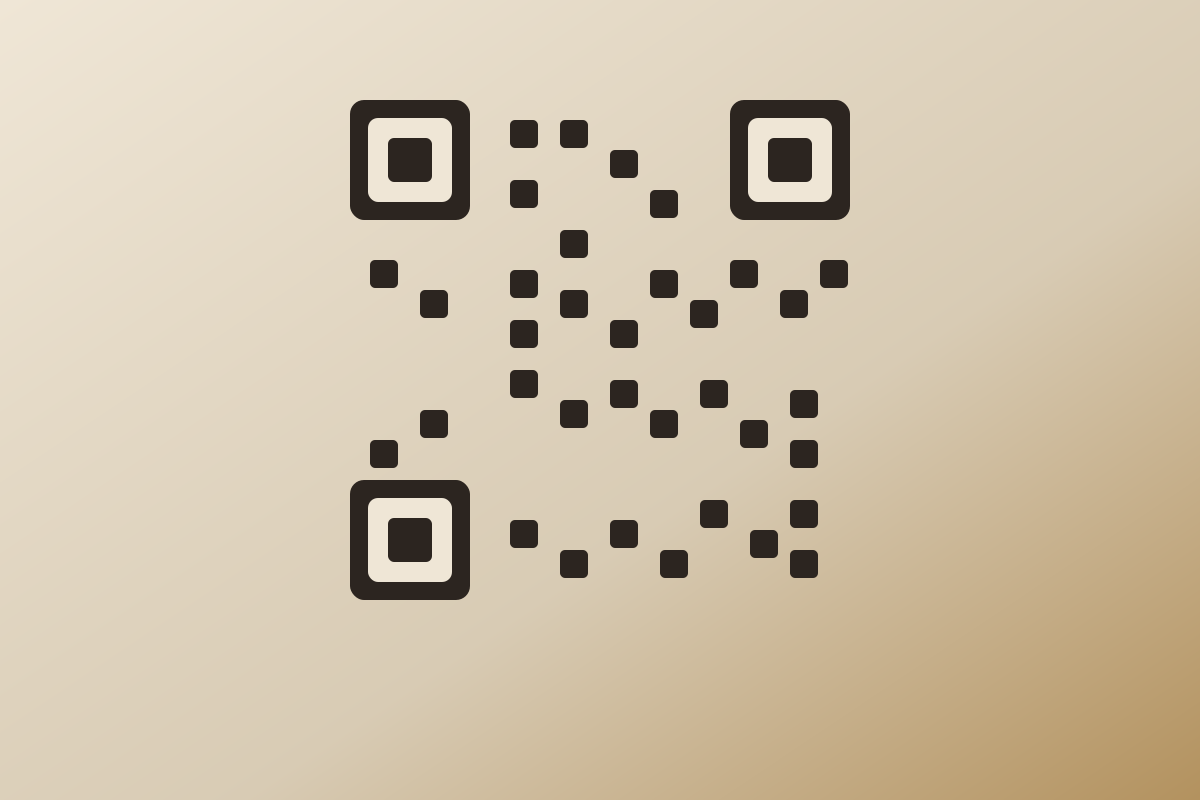
A QR code solves this by sidestepping the whole problem: there's nothing to download. Every modern phone recognises a QR code straight through the camera, without any extra app.
What it looks like in practice
A guest opens the camera on their phone (no special app needed), points it at the QR code, and the phone offers a link that opens in the browser. There, the camera opens straight away and the guest can start taking photos — the whole process takes a few seconds, from scan to first photo.
Where to put the QR code
- On the tables — small cards next to each plate, seen by every guest during dinner.
- On the welcome table — the first thing guests see when they arrive, good for an early explanation.
- On the stage or next to the dance floor — a reminder right when the most is happening.
- In a speech — the best man or MC mentions the code on the mic, and everyone reaches for their phone at once.
What if someone isn't “tech-savvy”?
This is exactly why a QR code works better than any app — it requires no technical know-how at all. If a guest knows how to open the camera on their phone (and almost everyone does, because it's the same move as taking a photo), they know how to get to the gallery.
The only thing worth preparing in advance is a large, clear print of the code — and maybe a one-line explanation underneath, something like “Scan and snap with us”.